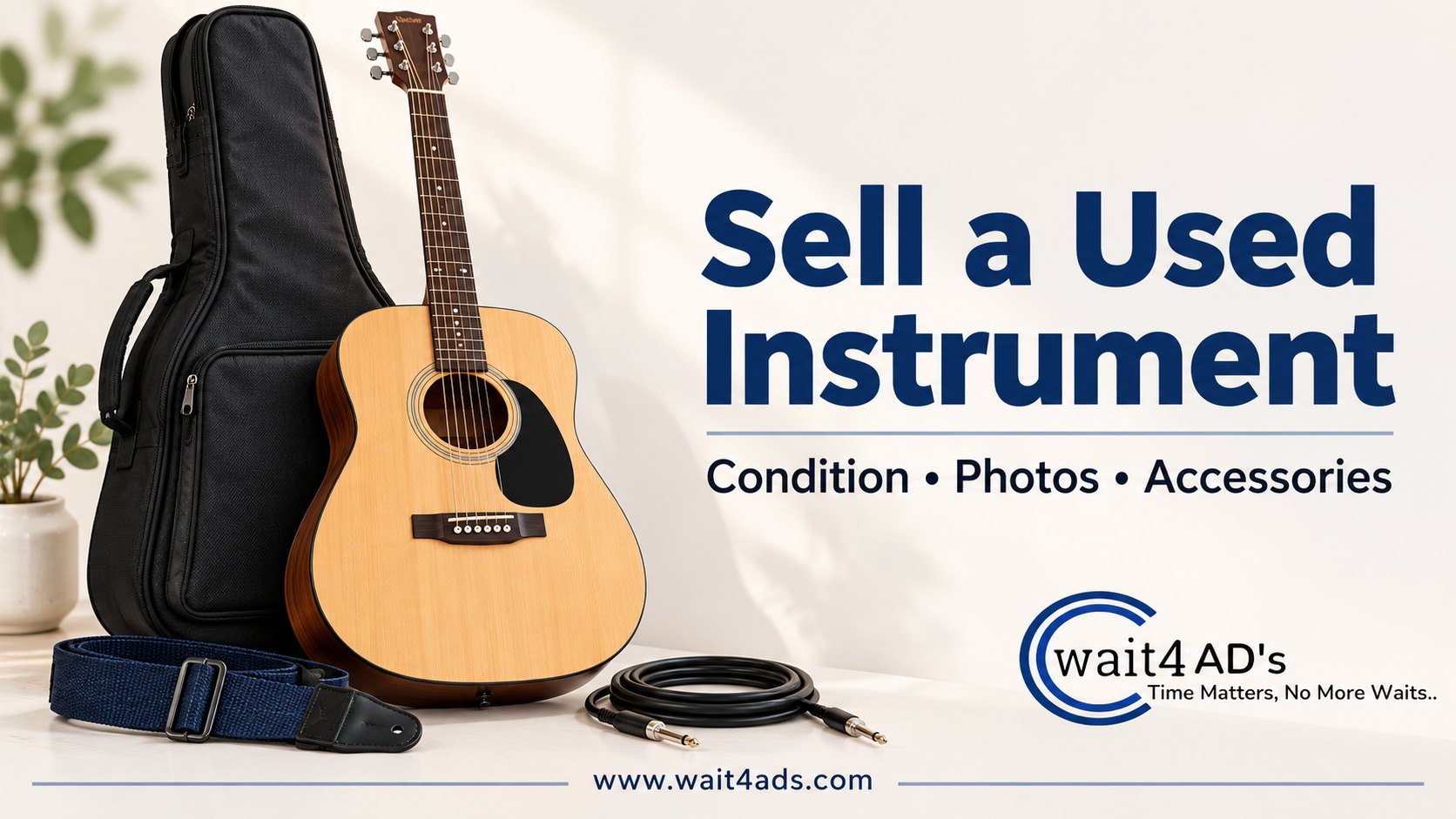
Selling a used musical instrument is easier to evaluate when a listing answers the questions a musician asks before arranging a viewing: what is the exact instrument, how does it play, what wear should they expect, and which accessories are included? A precise description can help the right buyer compare your used musical instrument for sale with other local listings. Use the steps below for a guitar, keyboard, drum, amplifier or another instrument, and describe only what you can verify.
1. Identify the instrument clearly
Start with the instrument type, maker and model when those details are readable on a label or supported by purchase records. Add the finish or colour and approximate age only if known. For a guitar, say whether it is acoustic or electric and describe its configuration when you can confirm it. For a keyboard, give the key count only after checking it. For an amplifier, include the model and the connections you can see.
Do not guess a model from appearance alone. If the label is missing or unclear, say that. You may share a serial number privately with a serious buyer when appropriate, but avoid putting the full number in public photos when it is not needed to identify the listing.
2. Describe playing condition and visible wear
Separate what you tested from what you can only observe. If you played the instrument recently, say what worked during that check and when you checked it. Mention known faults, intermittent issues, repairs and parts that may need attention. Do not call an instrument fully working if you have not tested its main functions.
- Guitars and string instruments: check tuning stability, strings, tuning machines, controls, bridge and visible neck or body damage. Note buzzing, cracks, replaced parts or electronics issues you noticed.
- Keyboards: test keys across the range, buttons, display, speakers and included pedal or power supply. Describe any key or control that responds inconsistently.
- Drums and percussion: list the pieces included and inspect heads, hoops, stands, pedals and hardware for damage or missing parts.
- Amplifiers and electronic instruments: test the inputs, controls and outputs you can safely check. Say which cable or power supply you used and whether it is included.
Use plain wording such as “tested at home; all keys responded during the check” or “one control is intermittent.” If you cannot test it, say “untested” and explain why. Avoid broad labels such as “like new” when there are scratches, repairs or uncertain functions.
3. List every included accessory
Make an exact inventory: instrument, case, stand, strap, pedal, cable, power adapter, music rest or other item included in the sale. Say whether a case is hard or soft only when you know. Put accessories in a group photo and mention missing items a buyer may expect, such as a power supply or detachable part. If an item appears only for scale and is not included, state that clearly.
4. Take useful, honest photographs
Use a clean background and even light. Photograph the full instrument from the front and back, then take close-ups of the maker or model label, controls, connections, accessories and any meaningful wear. For a large instrument, include one image showing its scale in the room. Use current photographs of the actual item rather than catalogue images.
Do not edit out scratches or use filters that change the finish. A clear close-up of a dent or repair helps buyers judge it without guessing. Keep private paperwork, home addresses and unrelated personal items out of the frame.
5. Set a clear price and arrange a practical trial
Review current listings for the same or closely comparable model, condition and accessories. Asking prices show what sellers request; they do not confirm what an item eventually sells for. Consider the instrument’s present condition and the time you can allow for a sale, then state your price and whether you are open to discussion. Do not present an estimated resale value as guaranteed.
For a local handover, agree in advance on a suitable place and whether the buyer can test it. If testing needs power, headphones or an amplifier, explain what will be available. For shipping, agree on packing, cost, carrier and payment before dispatch; protect delicate parts and keep a record of what was packed.
6. Write a searchable, specific listing
Use the instrument name and verified model in the title, followed by a useful detail such as condition or an included case. For example: “Acoustic Guitar, [verified model], With Soft Case.” Replace the bracketed text with the real model; do not publish a placeholder. Mention your city through the listing form and use search phrases such as used guitar for sale, keyboard with stand or second-hand music instrument only when they accurately describe the item.
For more help, read our guide to writing a classified ad that gets responses. Browse musical instrument listings or post your ad on Wait4Ads with current photos and accurate details.
Frequently Asked Questions
Should I include a case or accessories in the price?
State exactly what is included and whether the price covers the complete set. If an accessory is optional, describe its price and availability separately.
What if I cannot test the instrument?
Say it is untested, explain what you know and show its visible condition. Do not describe it as working unless you checked the relevant functions.
How many photos should a used instrument listing have?
Use enough current images to show the full instrument, identifying details, important parts and defects. Clear, different views are more useful than repeated angles that hide details.
Can I call it vintage or professional grade?
Use those terms only when you can support them with reliable model information or other evidence. Otherwise give the maker and model if known, describe the actual condition and let buyers assess whether it suits them.
Take the Next Step
Prepare a verified model description, an honest condition note and photos of the instrument and included accessories. Then browse musical instrument ads or post an advertisement with details a musician needs to decide whether to contact you.
Powered by Froala Editor