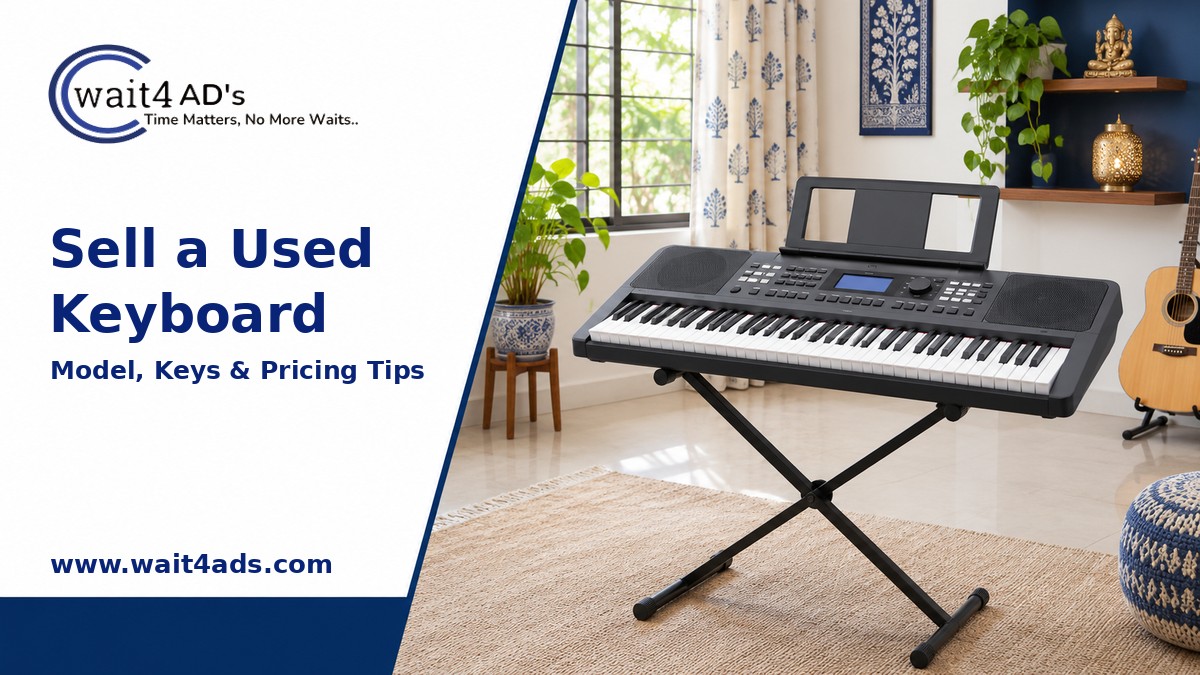
A used keyboard is easier to sell when a buyer can quickly see its model, included accessories and condition. A clear listing should explain which keys and controls you checked, show any wear and make pickup arrangements straightforward. Use these steps to describe your instrument honestly and set a practical asking price.
1. Identify the model and included accessories
Note the brand, model number, number of keys if shown in the manual or product label, and approximate purchase date if known. List what comes with it: power adapter, music rest, sustain pedal, stand, carry bag, manual, cables or original box. Check that the adapter matches the keyboard’s label and do not include a substitute as if it were the original. If you are unsure whether an accessory is compatible, say so.
2. Check the keys, controls and connections
With the correct power supply, test the keys across the full range at a moderate volume. Note any keys that do not sound, stick, respond unevenly or feel different. Check the display, buttons, wheels, speakers, headphone output and other ports you can safely test. For a digital piano or arranger keyboard, list features only when you have confirmed them on your exact model. Mention crackling, intermittent power, missing knobs or other faults directly.
Inspect the casing, keybed, stand and pedal for scratches, cracks, loose parts or repairs. If you cannot test a function, mark it as untested instead of describing the whole instrument as fully working.
3. Take clear photos and a simple demo
Photograph the full keyboard from above, the front and sides, the model label, control panel, ports, power adapter and each included accessory. Use daylight and show any damage close up. A short phone recording can demonstrate that the keyboard powers on and that you tested different keys, but state what the clip shows and avoid heavy editing or audio effects that change the sound.
4. Set a fair asking price
Compare the same brand and model where possible, then account for age, key and speaker condition, included stand or pedal, service history, missing accessories and cosmetic wear. A full-size instrument with its original compatible accessories may be easier for a buyer to assess, but condition and local demand still matter. Do not base the used price only on the new retail price. Make clear whether the listed price includes the stand, pedal and bag.
5. Write a complete description
Put the model name near the beginning. Describe the condition, test performed, included items, known issues and whether the buyer can try it before purchase. If you do not know the age or service history, say that. Avoid unsupported claims about professional use, sound quality or suitability for a particular learner.
6. Plan a safe inspection and pickup
A keyboard can be awkward to carry, so state its approximate size or whether a stand folds down if you have checked. Agree on a convenient pickup and let the buyer inspect the keys and controls before payment. Pack the instrument so keys and knobs cannot be pressed or struck during transport. Confirm payment in your account before handing it over; do not share an OTP, UPI PIN or password to receive money.
Frequently asked questions
Should I include the stand and pedal?
You can sell them with the keyboard or separately, but state exactly what is included and show each item in the photos. Confirm compatibility if the pedal or adapter is not the original one.
What if a few keys do not work?
Describe which keys or functions are affected, add close-up photos or a short demonstration, and reflect the condition in your asking price. Do not hide the issue in the listing.
Can the buyer test the keyboard at pickup?
Yes, if you can arrange a suitable power source and a safe place to test it. Agree on the setup in advance and keep the inspection supervised.
Powered by Froala Editor