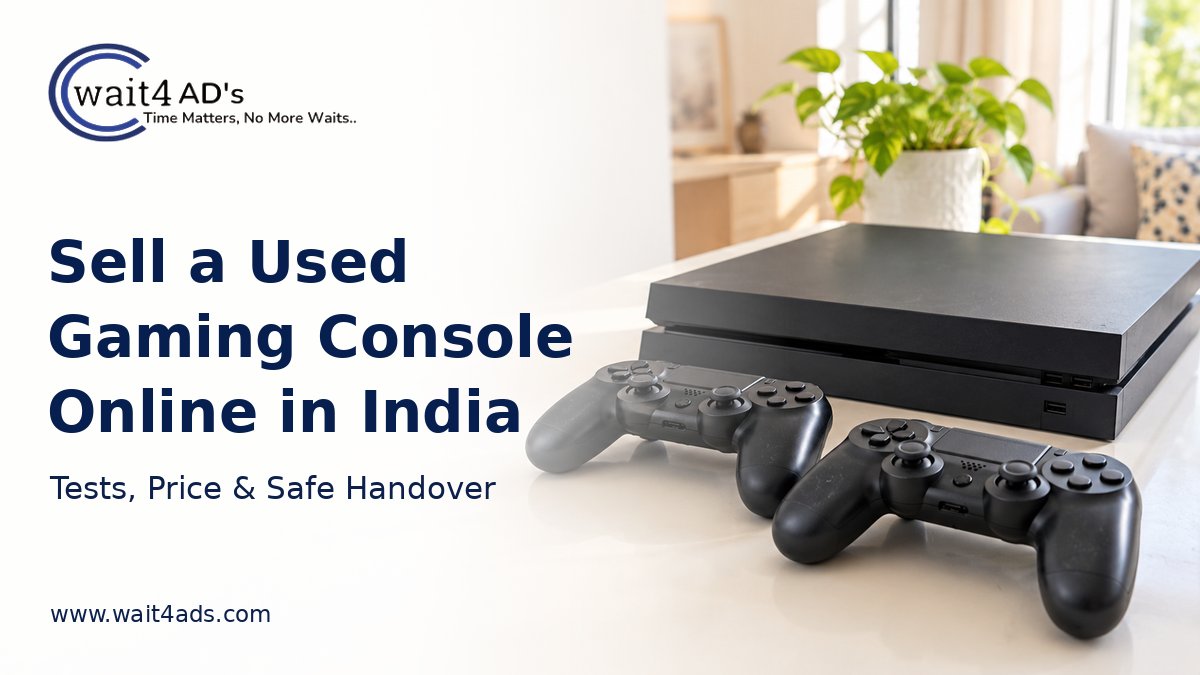
A used gaming console can sell faster when the listing states the exact model, what works, what is included and what happens to accounts and games. Buyers often want to see the device start, a controller respond and the ports function. Prepare a simple test and a clear handover plan before posting.
1. Identify the console and bundle
Read the model identifier from the label or system settings, then state the storage capacity only if confirmed. List the number of original or compatible controllers, power cable, HDMI cable, physical game discs, box and receipt. Mention the approximate age, any previous repairs and whether a disc drive is present. Avoid listing a game as included unless the buyer will receive a physical copy or a transferable entitlement permitted by the platform's rules.
2. Test normal functions and describe faults
Using the maker's ordinary setup, show that the console powers on, reaches its menu and displays through HDMI. Test each controller's buttons, sticks, charging or battery operation and wireless connection. If applicable, check the disc drive with a disc you own, network connection, USB ports and audio output. Note fan noise, overheating symptoms, connection dropouts, controller drift or damaged ports. Say when and how you tested it; if a function is untested, state that plainly. Do not open the case just for a sale.
3. Prepare accounts and personal data
Back up any data you want to keep, remove discs and external storage, sign out of your accounts and follow the console maker's instructions for deactivation and factory reset before handover. Check that your payment details and personal profiles are no longer on the device. If the reset is still pending during a buyer's inspection, agree on a time to complete it before pickup. Never share account passwords, verification codes or payment credentials. Digital purchases may be tied to an account and should not be promised as part of the bundle without confirmed transfer rights.
4. Set a realistic asking price
Compare the same generation, model, storage and condition in your area. Account for working controllers, physical games, cables, documented repairs and missing or faulty parts. A controller with drift or a unit with an untested disc drive should be priced and described accordingly. Use active listings as rough comparisons rather than evidence of completed sale prices. State whether the asking price is fixed or negotiable and whether you will sell accessories separately.
5. Take useful photos and a short test video
Photograph the actual console from the front, back and top, plus the model label with the full serial number obscured. Show ports, included controllers and cables, game discs and any scuffs or damage. A brief video showing startup and controller response can help buyers, provided it does not reveal your account, contacts or private information. Avoid stock photos or images that hide faults.
6. Write the listing and choose a category
A title such as “Used [confirmed model] Console with Two Controllers — Jaipur” tells buyers what they need to know. In the description, include model, storage, test status, faults, accessories, physical games, price and pickup locality. Use the Games & Entertainment category on Wait4Ads.
Example: “Selling [model and storage]. Tested [specific functions] on [date]. Known issues: [details or none observed]. Includes [controllers, cables and physical games]. Accounts will be removed and device reset before handover. Asking ?[amount], [fixed/negotiable]. Pickup from [locality].” Replace the brackets with accurate details.
7. Arrange inspection, payment and pickup
Agree on a safe viewing time, bring the listed cables and allow the buyer to inspect the device in its normal setup. Confirm the final bundle and price in a message or receipt. Verify payment in your own bank or payment app before releasing it; a screenshot alone is not proof of receipt. Pack the console and controllers securely, then mark the ad sold.
Frequently asked questions
Can I include downloaded games?
Do not assume that digital purchases move with the device. Check the platform's account and transfer terms and describe only what the buyer can actually receive.
Should I reset the console before a buyer tests it?
You can demonstrate normal functions, but complete account removal and the maker's reset steps before handover. Keep your login details private.
What if a controller has stick drift?
Show and describe the fault, identify the affected controller and reflect it in the asking price.
List your console on Wait4Ads
Clear photos, a specific test report and an accurate bundle list help buyers compare options. Post a free ad on Wait4Ads in the matching category.
Powered by Froala Editor